
Microsoft Azure Infrastructure Services
UAZUREA
5 days
Upcoming Sessions

Need a private training for your team? Request a private training
Not ready to book yet? Request an offer





Getting Started with Microsoft Azure
Before you build anything, you need to know what the cloud offers and how Azure is organized. You learn the cloud service models, how Azure is spread across the world and what it costs. You also see how Azure Resource Manager handles every deployment.
- Cloud Computing
- Azure Benefits: Cost, Flexibility and Reliability
- Cloud Service Models: SaaS, PaaS and IaaS Compared
- Azure's Global Infrastructure: Regions and Availability Zones
- A Tour of the Azure Product Portfolio
- Service-Level Agreements and Pricing
- Azure Resource Manager
- LAB: Getting Started with Azure
Azure Management Tools
Clicking through the portal works for one resource, but not for fifty. You learn to manage Azure with the portal, Azure PowerShell, the Azure CLI, Cloud Shell and Azure Copilot. You also learn which tool fits which job.
- The Azure Portal for Interactive Management
- Automating Administration with Azure PowerShell
- Scripting with the Azure CLI
- Azure Cloud Shell: Command-Line Access from Your Browser
- Azure Copilot: Managing Azure in Natural Language
- LAB: Azure Management Tools
Infrastructure as Code
Deploying infrastructure by hand is slow and error-prone. With infrastructure as code, you describe your environment once and deploy it the same way every time, in every environment. You work with ARM templates, Bicep and Terraform, and use AI to write them faster.
- Declarative Deployments with Azure Resource Manager
- Terraform for Azure Deployments
- The Bicep Language
- LAB: Deploying Infrastructure with Bicep
Organizing Subscriptions and Access
As your Azure footprint grows, so does the number of subscriptions and resources. You learn to organize them with management groups, naming conventions and tags, and to protect them with resource locks. With role-based access control, you give every person exactly the permissions they need.
- Managing Multiple Azure Subscriptions
- Creating a Hierarchy with Management Groups
- Naming Conventions, Resource Tagging and Resource Locks
- Role-Based Access Control (RBAC): The Right Permissions for the Right People
- LAB: Managing Azure Subscriptions
Azure Storage
Almost every workload needs storage, and Azure offers a service for every type of data. You learn to choose and configure the right storage account and to secure access to your data. With Azure File Sync, you extend your on-premises file servers to Azure.
- Azure Storage Services: Blobs, Tables, Queues, Files and Disks
- Storage Accounts: Performance and Redundancy
- Securing Access to Your Data
- Working with Azure Blob Storage and Azure File Shares
- Azure File Sync Service: Migrate On-Prem File Servers to the Cloud
- LAB: Azure Storage
Azure Networking
A well-designed network is the foundation of every Azure environment. You learn to design virtual networks and connect them with VNet peering. With Azure DNS, your resources find each other by name.
- Virtual Networks: Private Connectivity for Your Azure Resources
- Virtual Network Design: Address Spaces and Subnets
- Connecting Virtual Networks with VNet Peering
- Name Resolution with Azure DNS: Private and Public Zones
- LAB: Azure Networking
Azure Virtual Machines
Virtual machines are often the first step into Azure, and the quickest way to move existing workloads. You learn to choose the right size and price and to create Windows and Linux VMs. You also filter their traffic and connect to them securely with RDP, SSH and Azure Bastion.
- Virtual Machines: Sizes, Pricing and Storage
- Networking for Virtual Machines
- Network Security Groups: Filtering Traffic to and from Your VMs
- Creating Windows and Linux VMs
- Connecting Securely to a VM: RDP, SSH and Azure Bastion
- LAB: Azure Virtual Machines
Manage Azure Virtual Machines
In Azure, you still own your virtual machines: their disks, backups, updates and health. You learn the built-in tools to keep them protected, patched and running. You also troubleshoot VMs that do not start or respond.
- Managing VM Disks
- Manage VMs with Windows Admin Center
- VM Extensions: Automating Configuration
- Protecting VMs with Azure Backup
- Azure Update Manager
- Troubleshooting with Boot Diagnostics, Run Command, the Serial Console and the Troubleshooting Agent
- LAB: Manage Azure VMs
Hybrid Management and Automation
Most organizations do not move everything to the cloud at once. You learn to connect your on-premises network to Azure and manage your on-premises servers with Azure Arc. You also automate routine tasks with runbooks and managed identities, without storing passwords in scripts.
- Managing On-Premises Servers with Azure Arc
- Secure Applications with Managed Identities
- Automate Tasks with Azure Automation Runbooks
- Running PowerShell and Python Scripts on Azure and Arc-Enabled VMs
- LAB: Hybrid Management and Automation
Azure Load Balancing
Keep your applications available and responsive, even when traffic peaks or a server fails. You learn when to use Azure Load Balancer or Application Gateway, and how a Web Application Firewall protects your web apps. Scale sets add capacity automatically when demand grows.
- Azure Load Balancer: Distribute Network Traffic across VMs
- Application Gateway: Route Web Traffic at the Application Layer
- Protect Web Applications with a Web Application Firewall
- Virtual Machine Scale Sets
- LAB: Azure Load Balancing
Azure Web Apps
With Azure App Service, you host web applications without managing servers, operating systems or patches. You learn to deploy and scale web apps and to release new versions without downtime. You also secure them with your own domain and HTTPS.
- App Services and App Service Plans
- Creating and Configuring Web Apps
- Deploying Application Code to a Web App
- Deployment Slots: Testing and Swapping Releases
- Scaling Web Apps Up and Out
- Backing Up and Restoring Web Apps
- Custom Domains and HTTPS for Your Web App
- LAB: Azure Web Apps
Container Technology in Azure
Containers make applications portable and fast to deploy, and Azure offers a service for every level of control. You learn to store your images in Azure Container Registry and run them on Container Instances, App Service, Container Apps or Kubernetes. You also learn which option fits your application.
- Azure Container Registry to Store Container Images
- Azure Container Instances: Run Simple Containers in the Cloud
- Web App for Containers
- Azure Container Apps: Serverless Containers for Microservices
- Azure Kubernetes Service (AKS): Managed Container Orchestration
- LAB: Container Technology in Azure
Azure SQL Database
Azure SQL Database gives you SQL Server without the maintenance: Microsoft takes care of patching, high availability and backups. You learn to choose between Azure SQL Database and SQL Managed Instance and to pick the right pricing model. You also keep your databases secure and available.
- Azure SQL Database: SQL as a Service
- Azure SQL Managed Instances
- Pricing Models: DTU and vCore
- Creating and Managing Databases
- Connecting to SQL Azure Databases
- Business Continuity: High Availability and Disaster Recovery
- Securing Your Databases
- LAB: Azure SQL Database
Azure Monitor and Log Analytics
You cannot manage what you cannot see. Azure Monitor and Log Analytics bring the telemetry of your Azure and on-premises resources together in one place. Metrics and alerts warn you early, and logs and AI help you find the cause.
- Overview of Monitoring in Azure
- Azure Monitor: Collect Telemetry from Azure and On-Premises Resources
- Azure Advisor Recommendations
- Collect Audit Events with Azure Activity Log
- Azure Service Health
- Alerts and Metrics
- Log Analytics: Centralize Logging Data for Analysis
- Investigating Issues with the Azure Copilot Observability Agent
- LAB: Azure Monitor and Log Analytics
Kusto Query Language
Your logs are only as useful as the questions you can ask them. The Kusto Query Language (KQL) lets you filter, combine and summarize log data in a readable way. With help from Azure Copilot, you find patterns and anomalies in minutes instead of scrolling through raw logs.
- Introduction to KQL: Querying Logs and Telemetry
- Writing Basic Log Queries
- Filtering Results
- Aggregating Data to Spot Trends and Anomalies
- Using Variables to Build Readable Queries
- Joining Multiple Tables in a Single Query
- Generating KQL Queries from Natural Language with Azure Copilot
- LAB: Kusto Query Language
Governance and Cost Management
Without guardrails, an Azure environment quickly drifts away from your standards and your budget. You learn to enforce organizational and regulatory rules with Azure Policy, including your own custom policies. With Cost Management, you keep your spending under control.
- Azure Policy: Enforcing Standards and Compliance
- Creating Custom Azure Policies
- Cost Management: Tracking and Controlling Your Azure Spend
- LAB: Azure Governance
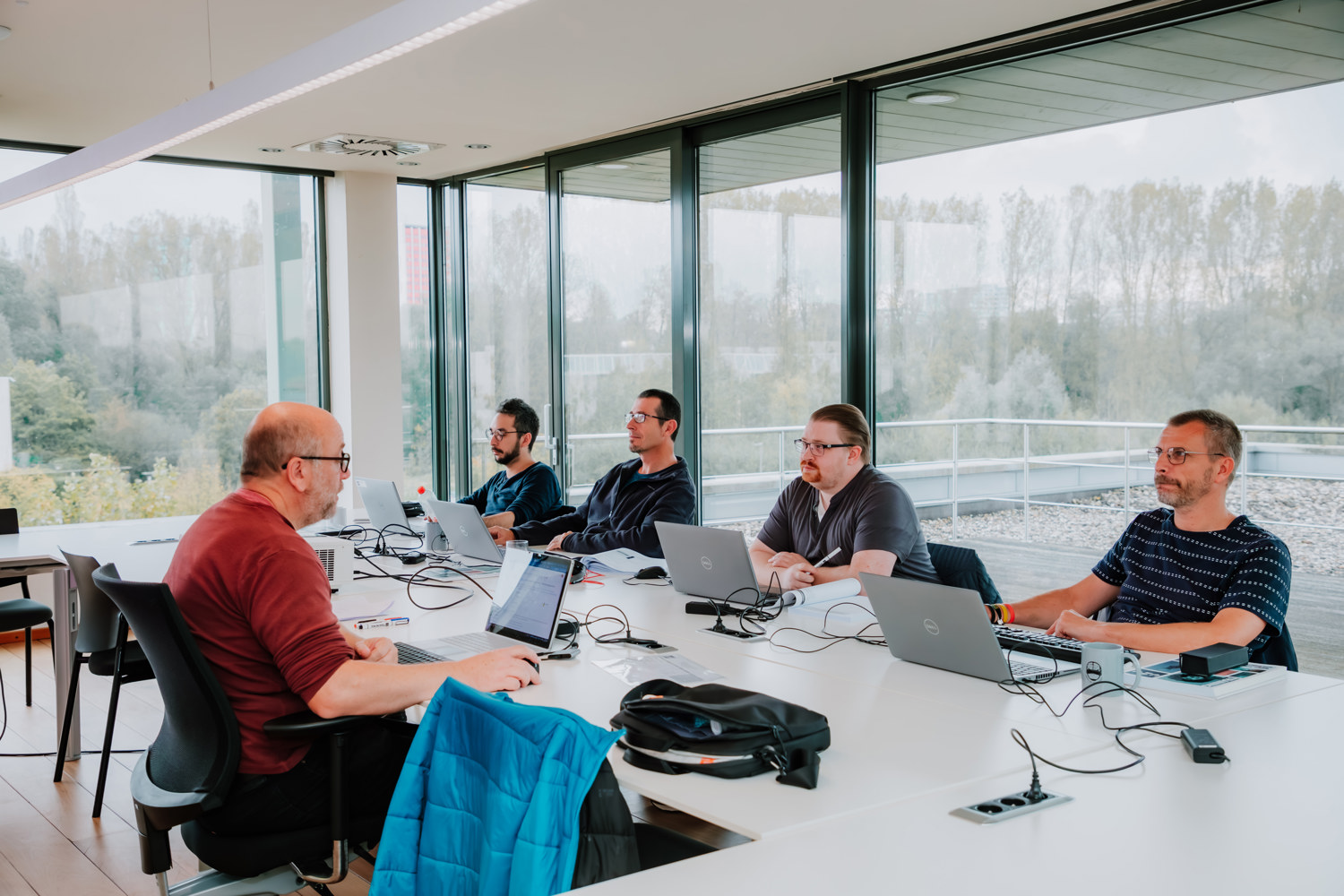
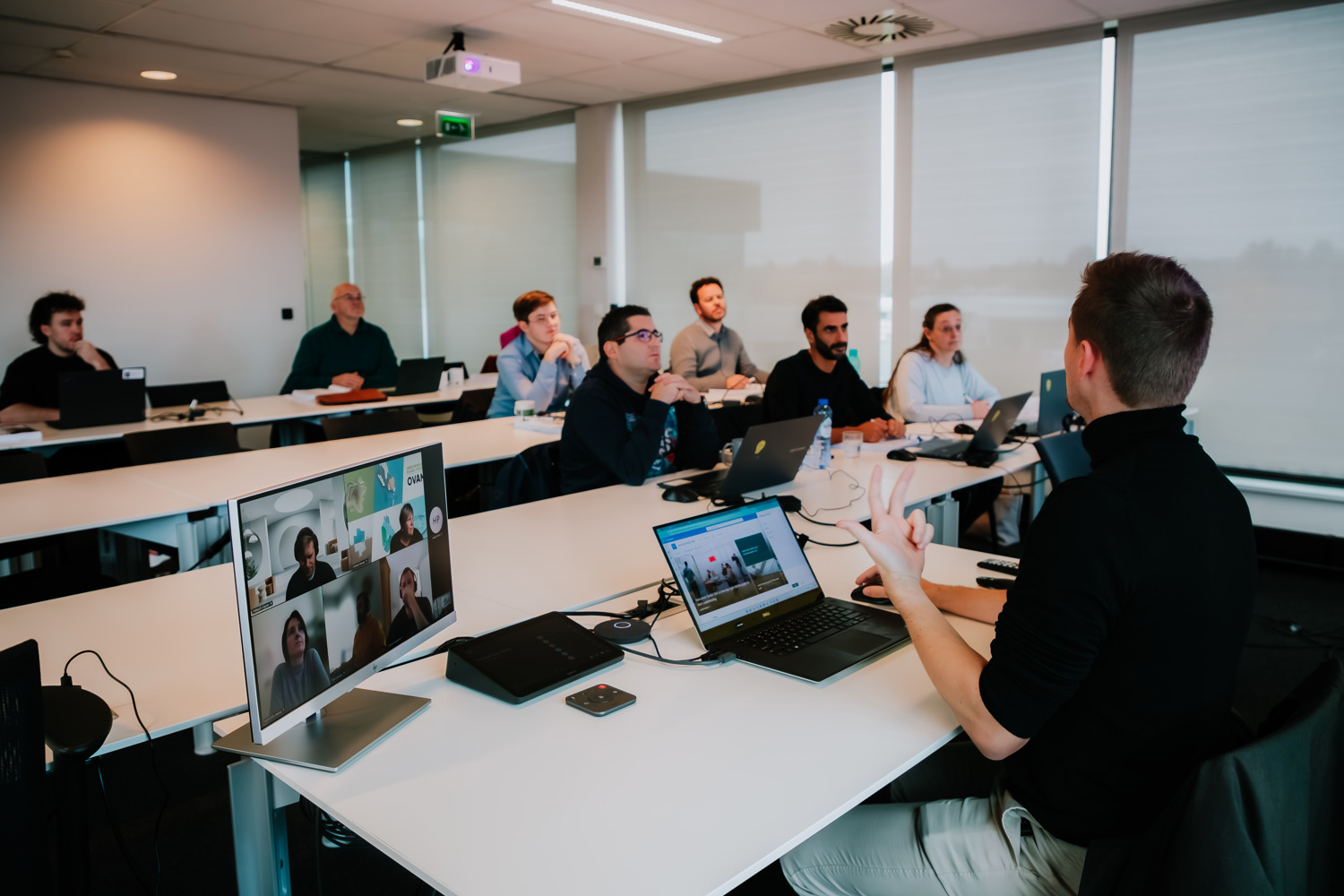
Microsoft Azure gives your organization a complete platform for secure, scalable infrastructure, without the limits of your own data center. This course gives you a solid Azure foundation, from networks and virtual machines to web apps, containers and databases. You learn to choose the right services with confidence and combine them into an architecture that fits your business.
Every module comes with a hands-on lab, so you can put your skills to work the next day. You learn to build a reliable, secure and cost-aware Azure environment, and to manage it faster with AI tools such as Azure Copilot. Whether you move existing workloads, manage a hybrid environment or start cloud-native, you avoid the common pitfalls and speed up your move to Azure.
You have experience as a system or infrastructure administrator and know how networks, servers and storage work on premises. You need no prior Azure knowledge or scripting experience.
